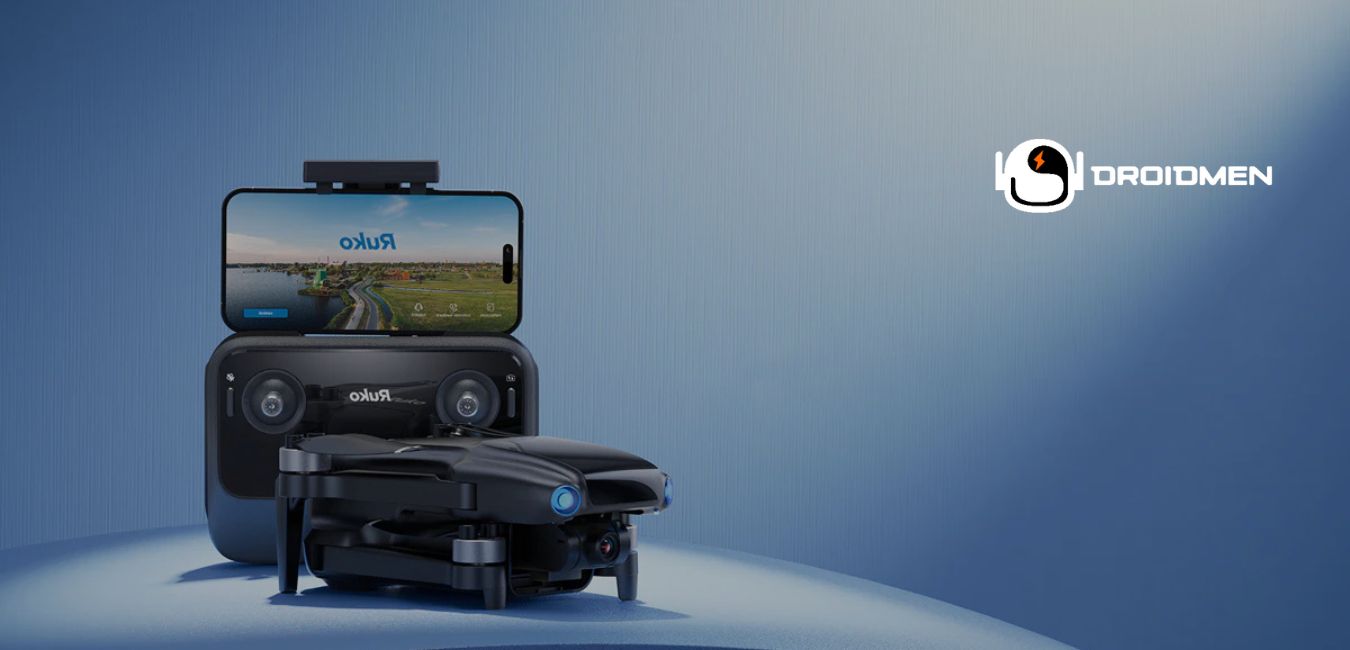
When a drone not responding to controller—this problem can be both frustrating and alarming for drone pilots.
This can result from weak signals, interference, or outdated firmware. Start by ensuring both devices are fully charged, then check for firmware updates. Try re-pairing the controller with the drone and moving to an open area away from potential signal interference for a better connection.
Ready to regain control and fly your drone without worries? Continue reading to discover common reasons and simple solutions for a drone not responding to its controller.
Table of Contents
Key Takeaways
- Signal Interference: The drone not responding to the controller can result from signal interference or a weak connection.
- Out of Range: Flying the drone beyond its operational range can cause a loss of communication with the controller.
- Low Battery: A low or depleted battery may prevent the drone from receiving commands from the controller.
Common Causes Of Drone Not Responding To Controller
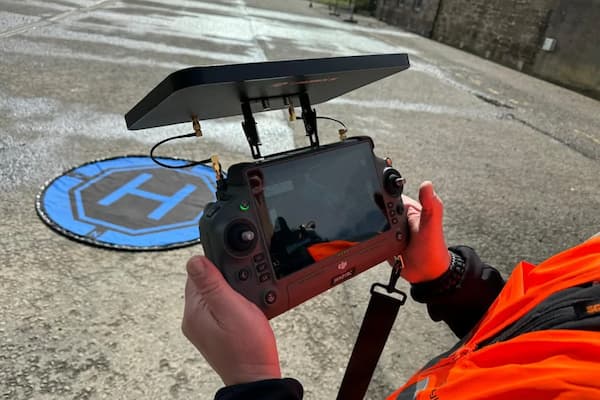
Drones rely on a stable connection to the controller for smooth operation. When a drone does not respond, it can become frustrating and challenging. Several factors can cause this problem, from simple battery issues to complex hardware failures.
Low Or Dead Batteries
Batteries power the drone and controller. When either one has low or dead batteries, the connection fails. A fully charged battery ensures a stable link between the controller and the drone. Always check battery levels before each flight and charge them fully to avoid sudden disconnects.
Signal Interference
Drones use radio signals to communicate with controllers. Interference from other wireless devices or nearby power lines can weaken this signal, causing delays or a complete loss of control. To avoid this, fly in areas free from Wi-Fi networks or other radio signals that could interrupt the connection.
Incorrect Pairing Procedure
Proper pairing connects the controller to the drone. If you miss steps during the pairing process, the drone may not respond. Follow the manufacturer’s instructions closely when pairing. A simple restart of both devices and reattempting the pairing often solves this issue.
Firmware Or Software Issues
Outdated firmware or software bugs can affect a drone’s ability to communicate with the controller. Check for firmware updates regularly through the manufacturer’s app or website. Updating ensures the drone has the latest features and bug fixes, which can solve connection issues.
Damaged Antennas Or Cables
Antennas on both the drone and controller send and receive signals. Damaged or bent antennas disrupt the signal, causing the drone to lose contact with the controller. Check for visible damage and replace broken antennas or cables immediately to restore smooth communication.
Hardware Issues
Internal hardware problems, such as a malfunctioning circuit board, can prevent the drone from responding to the controller. These issues require a deeper inspection and possibly professional repair. If you suspect internal damage, consult a certified technician to assess and fix the drone. If you seek further modification of the board, particularly for bulk production of drones for your line, contact a PCB design company like FS Circuits.
How To Troubleshoot The Connection Issue?
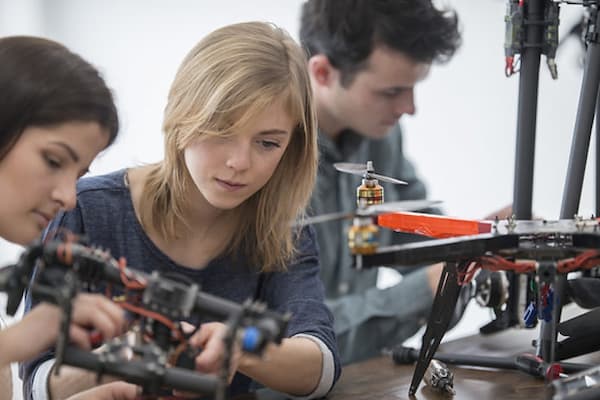
When a drone does not respond to its controller, a connection problem might exist. To solve this, you must examine several factors, from batteries to software updates. Let’s explore the steps to fix this issue:
Check Drone And Controller Batteries
Start by checking the batteries of both the drone and the controller. Low batteries can prevent a proper connection. Make sure each battery is fully charged.
When they appear old or damaged, replace them with new ones. Fresh batteries ensure steady power, which is crucial for maintaining a solid connection.
Re-Pair The Controller And Drone
If the connection fails, re-pairing the controller and drone can help. Turn off both devices, then turn them back on. Follow the instructions in the user manual to pair them again. This process resets their communication, allowing them to sync properly. Re-pairing can solve many connection glitches quickly.
Inspect And Reset Connections
Examine the physical connections between the drone and its controller. Look for any loose or damaged parts that might affect communication. Press down on any connectors or cables to ensure they are secure.
If needed, reset the connections according to the user guide. This can fix issues like a loose wire or faulty contact.
Update Firmware And Software
Outdated firmware or software can cause connection issues. Check for updates on the drone’s app or website. Install any available updates for both the drone and the controller. Updated software can fix bugs and improve the stability of the connection, ensuring a smoother flying experience.
Test The Drone In A Clear Area
Testing your drone in an open space reduces signal interference. Avoid areas with many obstacles like trees or buildings. Clear spaces help the drone and controller maintain a strong connection. A simple test flight in such an area can help you determine if the issue is resolved.
When To Seek Professional Help?
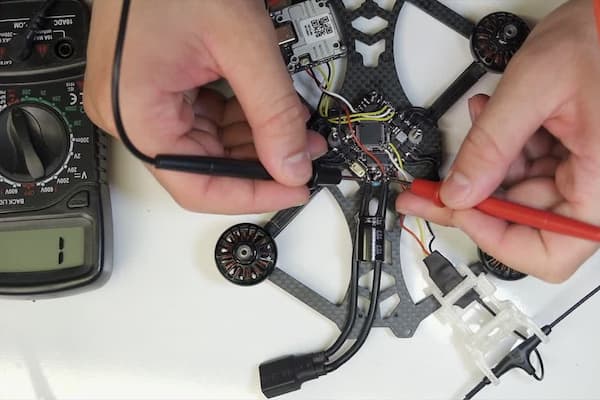
Sometimes, your drone still won’t work right, even after trying every fix. Knowing when to ask for professional help can save time and frustration. Here’s when to reach out to an expert.
Persistent Connection Issues
If your drone loses connection with the controller, it’s time to get help. Connection problems can result from software issues or faulty hardware inside the drone.
Contact a professional if you have updated the firmware and checked for interference, but the issue still exists. They can run diagnostics to find the cause of the problem.
Physical Damage To The Drone
Crashes happen, and physical damage can cause your drone to act up. Broken propellers, a bent frame, or damaged motors require special tools and skills to fix. If you notice any visible damage, avoid using the drone until a technician checks it. They can replace parts, fix the structure, and ensure your drone flies safely again.
No Response After Troubleshooting
If you’ve tried all the standard fixes, like recalibrating, resetting, or re-pairing, and your drone still won’t respond, it’s time for expert help.
This might mean a deeper internal problem with the motors or circuit boards. A technician can open the drone, run tests, and identify any hidden issues stopping it from working.
Preventing Future Connectivity Issues
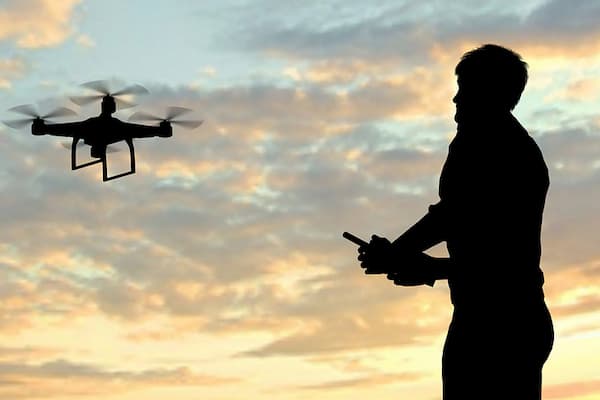
Preventing future connectivity issues ensures your drone operates smoothly every time. A few simple steps can avoid problems. This will keep a strong connection between your drone and the controller.
Regularly Update Firmware
Keep your drone’s firmware up to date. Manufacturers release updates that fix bugs and improve stability. Check for updates before flying. Connect your drone to the manufacturer’s app and follow the prompts. Updated firmware helps prevent glitches and ensures smooth communication between the drone and the controller.
Charge Batteries Before Each Flight
Fully charge your drone and controller batteries before each flight. Low batteries can disrupt the connection and cause sudden disconnections. Always start with a full battery to ensure a reliable connection during your flight. Keep spare batteries on hand for longer flights, and replace old ones when needed.
Avoid Signal Interference
Fly in open spaces to avoid signal interference. Tall buildings, power lines, or crowded areas can block signals between the drone and the controller. Choose areas without these obstacles.
Ensure that other devices, like Wi-Fi routers or Bluetooth, are not too close to your flight path. This helps maintain a strong, clear signal.
Inspect Hardware Regularly
Check your drone and controller for any damage or loose parts before flying. Cracks, broken antennas, or loose wires can weaken the connection. Inspect the propellers, motors, and the controller’s buttons.
Repair or replace any damaged parts to keep everything working correctly. Regular inspections help prevent unexpected issues during flights.
FAQs
1. Why Is My Drone Not Taking Off Even Though The Controller Is Connected?
Even if the controller is connected, your drone might not take off due to low battery levels, calibration issues, or propeller obstruction. To resolve the issue, ensure the drone and controller are fully charged, recalibrate the drone’s sensors, and check for blocked or damaged propellers.
2. How Do I Fix My Drone Not Responding To The Controller?
Start by ensuring the drone and controller are fully charged and properly paired. Check for interference from nearby electronics and recalibrate both devices. Update the firmware if necessary. If the issue persists, resetting the controller or consulting the manual may help resolve the problem.
3. Can Flying Too Far From The Controller Cause The Drone To Stop Responding?
Yes, flying too far from the controller can cause the drone to stop responding. Drones have a limited operational range; when this range is exceeded, the signal between the controller and the drone can be lost. This loss of communication may cause uncontrolled flight, a return to home, or a crash.
Conclusion
When your drone is not responding to the controller, acting fast and understanding the cause is crucial. Addressing signal issues, checking battery levels, and avoiding interference can prevent serious problems. Stay informed and practice good flight habits to keep your drone safe and under control.