Are you struggling to juggle multiple dictation tasks? Whether you’re a busy professional, or student, or just need help with writing projects, using a digital voice recorder can be the perfect way to increase efficiency and productivity.
With the technology we have today, there’s no longer any reason for hours of laborious handwriting. Transcribing is now made easier than ever thanks to digital voice recorders that let you quickly capture your thoughts and ideas whenever they strike!
This article will show how using digital voice recorders for dictation will allow you to produce accurate transcripts in minimal time – so say goodbye to long transcription hours and hello to advanced audio technology!
Table of Contents
An Overview of Digital Voice Recorders and their Benefits
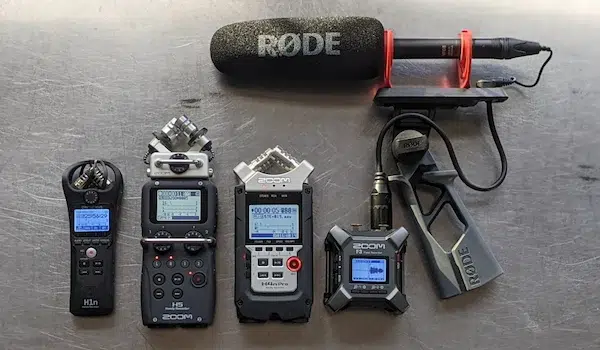
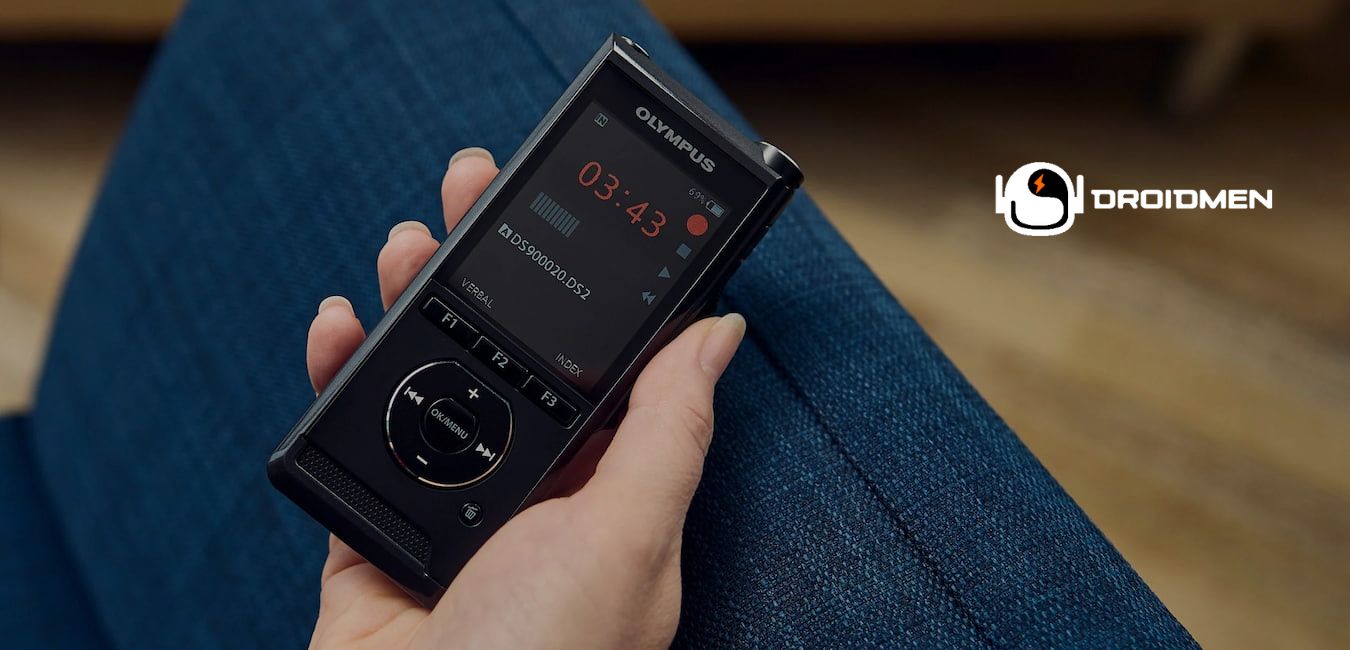
Digital voice recorders have revolutionized the world of transcription, making it much easier for individuals to dictate their thoughts and ideas without the need for a traditional pen and paper.
These recording devices are sleek, compact, and easy to carry, allowing individuals to record their dictations anytime and anywhere. With digital voice recorders, you can capture your thoughts, notes, and ideas in real time and convert them into text with just a few clicks.
The benefits of using digital voice recorders for dictations are endless – from saving time to improving accuracy and enabling easy access to your notes. Whether you are a journalist, student, or professional, these devices offer a seamless and efficient solution for all your transcription needs.
How to Choose the Right Digital Voice Recorder for Your Needs
Transcription can be time-consuming and mentally taxing, but luckily, with modern technology, transcribing may now be done with ease. Digital Voice Recorders, accessible and portable, are the perfect solution for those looking to improve their productivity.
That being said, choosing the right digital voice recorder is crucial in ensuring that you’ll be able to make the most out of your transcribing experience. A high-quality digital recorder should feature a range of benefits such as good sound quality, easy usage, and compatibility with different types of software.
By selecting the right digital voice recorder, you’ll not only save time and effort but also lessen your stress levels as well. With the right tool to accompany you, your transcription processes will be less complicated and more fulfilling than ever before.
Tips for Recording Clear Audio for Accurate Transcription
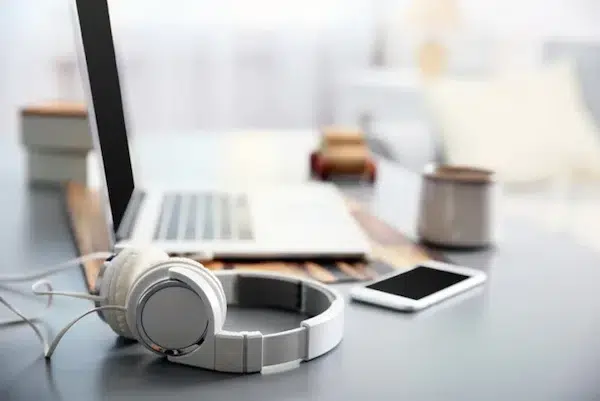
Transcribing can be a tedious and time-consuming task, but it doesn’t have to be. By using digital voice recorders for dictation, you can streamline your transcription process and save yourself valuable time and energy.
However, recording clear audio is crucial for accurate transcription. A few tips for achieving clear audio include choosing a quiet environment, speaking clearly and directly into the microphone, and avoiding any background noise or distractions.
With these tips in mind, you can start transcribing with ease and efficiency.
Utilizing Built-In Features and Accessories to Make Transcribing Easier
With the built-in features and accessories that come with many digital voice recorders, you can make transcribing a breeze. By using voice-activated recording, for example, you can save yourself the trouble of having to manually start and stop the recording every time you want to dictate.
Additionally, many digital voice recorders have USB connections or Bluetooth capabilities that allow you to easily transfer your recordings to your computer or other devices for transcription.
These features and more make digital voice recorders an invaluable tool for anyone who needs to transcribe audio recordings on a regular basis.
Leveraging AI Tools and Automated Voice Recognition to Streamline Transcription Workflows
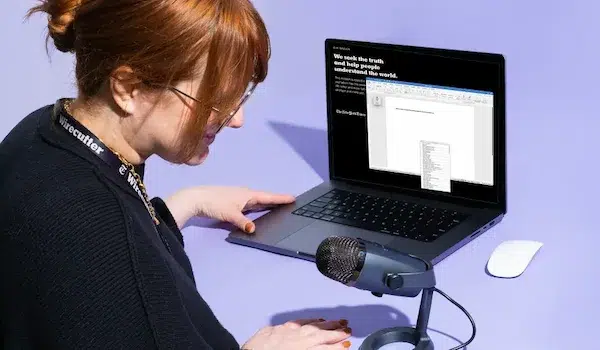
Imagine having the ability to transcribe your voice recordings quickly and accurately without the hassle of manual typing. With the help of digital voice recorders and AI tools, transcription workflows can be streamlined, allowing professionals to complete their work with less hassle.
The use of automated voice recognition technology eliminates the need for manual transcription, freeing up your valuable time to focus on other tasks. Overall, leveraging these tools can be a game-changer for anyone looking to simplify the transcription process and improve their productivity.
Best Practices for Maintaining Quality Control in Transcriptions
Transcribing can be a tedious and time-consuming task, but with the use of digital voice recorders, dictation becomes a breeze. However, maintaining quality control in transcriptions can be a challenge.
Luckily, there are practices you can implement to improve your accuracy. One tip is to speak clearly and enunciate words properly to ensure that each word is captured accurately.
Another tip is to avoid background noise as much as possible to avoid interference with the recording. Additionally, make sure to take breaks periodically to avoid fatigue, which can affect your accuracy.
With these best practices in mind, transcribing with a digital voice recorder can be an efficient and reliable way to get your work done.