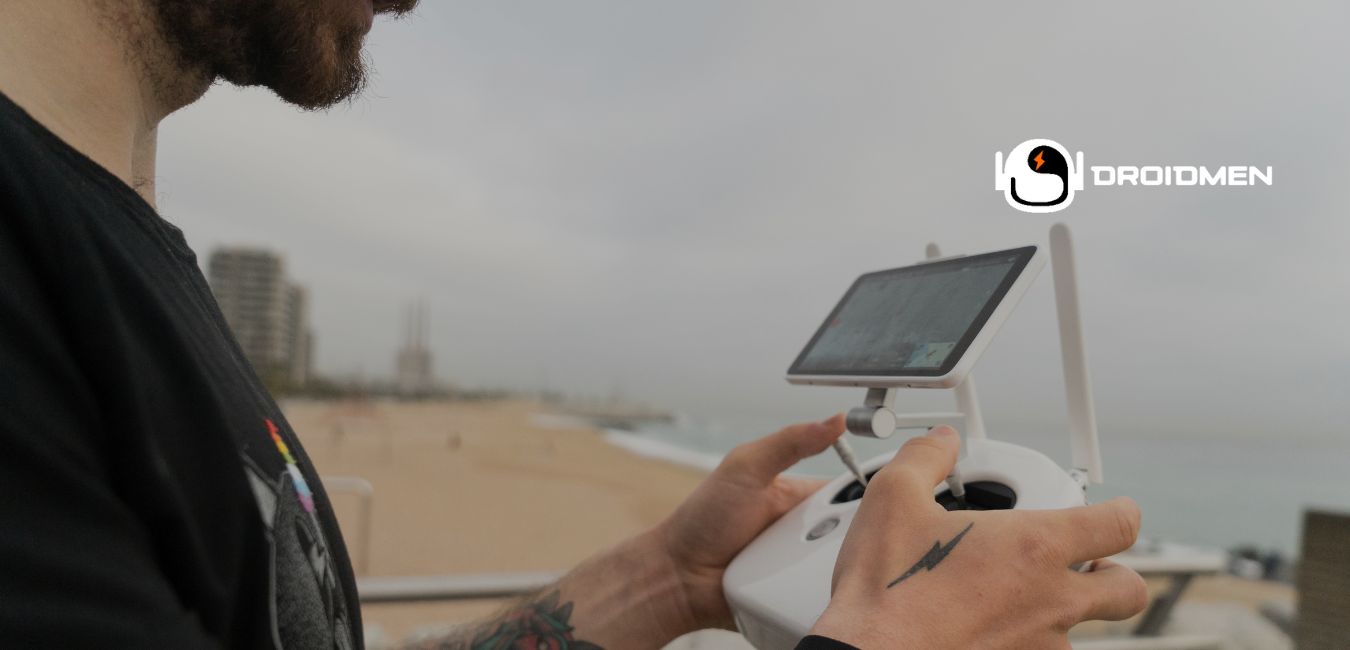
Operating a drone camera can be exciting to capture stunning aerial footage and photographs. Still, you must understand the proper steps and techniques to get the best results. Read this complete article to learn how to operate drone camera.
To operate a drone camera, ensure the camera is functional, adjust settings for optimal shots, and check the memory card and battery. Learn basic controls, adjust camera angles, switch modes, and use zoom and focus. Practice smooth movements and shoot in good lighting for quality footage.
This guide will walk you through the essential aspects of using a drone camera. These are from preparation to capturing quality footage and troubleshooting common issues. Read this extensive article to learn more.
Table of Contents
Key Takeaways
- Check Camera Functionality: Ensure the camera works properly, and the lens is clean for clear, sharp photos and videos.
- Adjust Settings: Set resolution, frame rate, and white balance to get the best picture and video quality.
- Practice Controls: Learn to fly the drone smoothly and adjust camera angles to capture the best footage.
Preparing Your Drone Camera
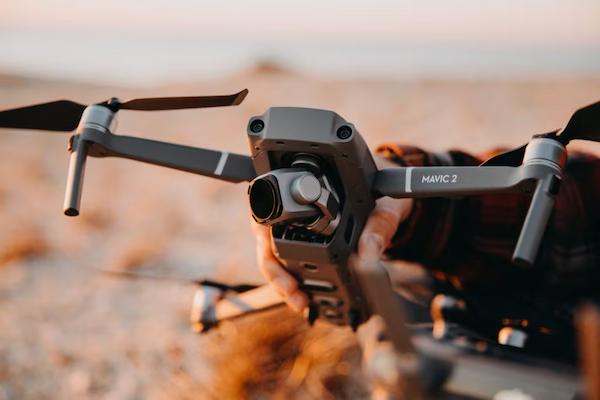
Preparing your drone camera is essential to get the best photos and videos. This involves ensuring the camera works well and adjusting settings for clear images. It also involves positioning the drone. You must also check that the memory card and battery are ready. These steps help ensure smooth and successful flights.
Ensuring Camera Functionality
Before flying your drone, make sure the camera works correctly. Look for any damage or dirt on the lens that could affect image quality. Turn on the drone and test the camera by taking pictures or recording a short video. This helps confirm that the camera captures clear images and videos well. It ensures you are ready for a successful flight.
Adjusting Camera Settings
Adjusting the camera settings is important to get the best results. Learn about settings like resolution, frame rate, and white balance. Higher resolutions and frame rates make videos look more detailed. This is while adjusting the white balance helps get accurate colors. Knowing how to set these will help you capture better photos and videos with your drone.
Positioning Drone For Optimal Shots
Positioning your drone correctly is key to getting great shots. Plan your flight path and choose the best angles for your subject. Practice hovering and moving the drone smoothly. This is to ensure your shots are stable and clear. Good positioning and smooth movements will help you capture high-quality photos and videos.
Checking Memory Card And Battery
Always ensure your memory card works and has enough space for your footage. Make sure the drone’s battery is fully charged, and bring extra batteries if you plan to fly for a long time. This preparation helps prevent interruptions. It also ensures you can keep filming without any problems.
Operating The Drone Camera
Operating the drone camera involves learning how to control the drone. It also involves how to adjust the camera. This includes understanding the basic controls and changing camera angles. You must also switch between different modes and use zoom and focus. These skills help you capture the best photos and videos from the sky.
Basic Control Functions
Understanding the basic controls of your drone is essential. Learn how to take off, land, and maneuver your drone using the controller. Practice these essential functions in an open area to gain confidence. Master these skills. Thus, you’ll be ready for more complex maneuvers and can fly your drone safely and effectively.
Adjusting Camera Angles
Adjusting the camera angles helps you get different views. Most drones let you tilt the camera up and down. Try out various angles to find the best one for your subject. Practice moving the camera smoothly for better footage. Experimenting with angles will help you capture interesting and dynamic shots.
Switching Between Modes
Drones have camera modes like photo, and video, and automated modes like follow me or orbit. Learn how to switch between these modes to enhance your footage. Each mode offers unique features. These can make your shots more creative and interesting. Understanding these modes helps you use your drone camera to its full potential.
Utilizing Zoom And Focus
When your drone camera has zoom and focus features, learn to use them effectively. Zooming in helps capture distant subjects, while proper focus ensures sharp images. Practice using these features to understand how they affect your footage. Mastering zoom and focus will improve the quality and detail of your shots.
Capturing Quality Footage
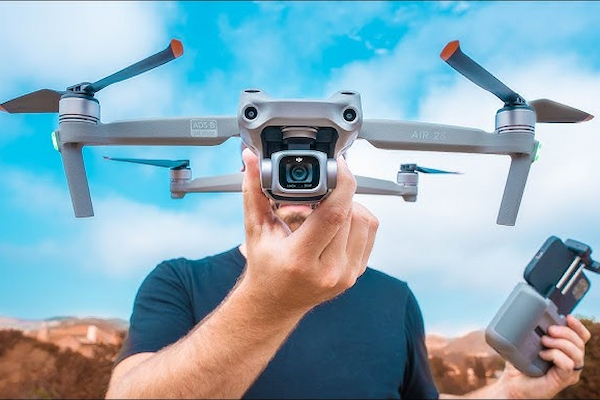
Capturing quality footage with a drone requires good techniques and practice. This includes using the best settings for video and photos. It also includes handling lighting and weather conditions. You also must try advanced methods like time-lapse or panorama. With these tips, you can create amazing aerial shots.
Best Practices For Video
Move the drone slowly and steadily to avoid shaky footage when recording video. Plan your shots and use features like gimbal stabilization for smooth video. Practicing these techniques will help you capture clear and professional-looking videos. Slow and steady movements make a big difference in video quality.
Tips For Sharp Photography
For sharp photos, make sure the drone is stable before taking a shot. Use higher shutter speeds to reduce motion blur, especially if it’s windy. Pay attention to the lighting and adjust your camera settings to match. These steps will help you capture clear and detailed photographs with your drone.
Dealing With Lighting And Weather
Lighting and weather can affect your footage. Shoot for the best natural light during golden hours (early morning or late afternoon). Pay attention to weather conditions. For example, wind and rain. They can impact your drone’s performance and the quality of your footage. These tips will help you capture better images and videos.
Advanced Techniques
Explore advanced techniques like time lapse and panorama to enhance your footage. Time-lapse involves taking many photos over time and combining them into a video. Panorama stitches multiple images together for a wide-angle shot. These techniques need practice but can create stunning and unique results. They can add variety to your aerial photography and videography.
Troubleshooting Common Issues
Troubleshoot common issues with your drone camera. It helps ensure smooth operation and great footage. This involves fixing camera errors, solving connectivity problems, and taking preventative measures. Know how to address these problems. Thus, you can keep your drone working well and capture amazing shots.
Common Camera Errors
Common camera errors include blurry images or videos and incorrect colors. Clean your camera lens regularly and update the firmware to prevent these issues. When problems continue, check the drone’s manual or contact customer support for help. Keeping your camera clean and updated ensures better-quality footage.
Connectivity Problems
Connectivity problems between the drone and controller can be frustrating. Ensure both devices are fully charged and regularly update the software. Interference from other electronic devices can also cause issues, so fly in areas with minimal interference. These steps can help maintain a strong connection and smooth flying experience.
Quick Fixes And Preventative Measures
Quick fixes for drone issues include restarting your drone or controller and recalibrating the drone’s compass. To prevent problems, always do pre-flight checks and keep your drone and its parts clean and well-maintained. These steps help ensure your drone operates smoothly and reduce the chance of issues during flight.
FAQs
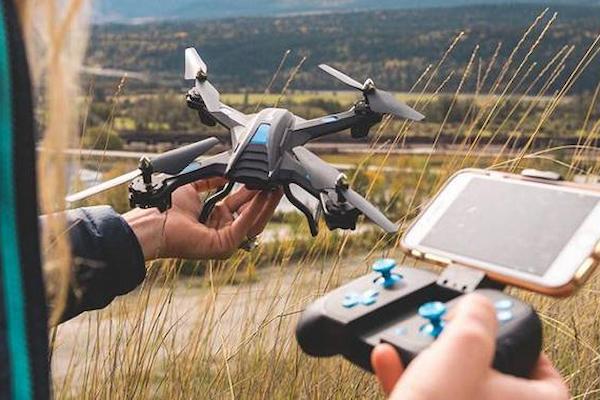
1. How Can I Utilize Advanced Features Of My Drone Camera?
To utilize advanced drone camera features, explore modes like time-lapse, panorama, and follow-me. Time lapse captures a sequence of photos over time, creating a video. Panorama stitches images for a wide shot. Follow-me mode keeps the camera focused on a moving subject. Practice these carefully.
2. How Do I Stabilize The Drone Camera For Smooth Footage?
Use features like gimbal stabilization and maintain slow, steady movements. Do it to stabilize the drone camera for smooth footage. Practice flying in calm weather conditions to minimize shaking. Always check and calibrate your drone’s settings before flight to ensure optimal stability.
3. Are There Legal Restrictions On Operating Drone Cameras?
Yes. There are legal restrictions on operating drone cameras. Always register your drone. Also, avoid flying near airports and follow altitude limits. Respect privacy laws and no-fly zones. Check local regulations to ensure your drone operations are safe and legal. Follow these restrictions.
Conclusion: How To Operate Drone Camera
Operating a drone camera effectively requires careful preparation, control understanding, and regular practice. By following these guidelines, you can capture high-quality photos and videos and make the most of your drone camera.
Start by ensuring your camera and drone are in good condition, adjusting settings for the best results, and practicing basic and advanced maneuvers. Always pay attention to lighting and weather conditions, and learn to troubleshoot common issues.
Whether you’re just starting or have some experience, continuous learning and practice will help you improve your skills. This will allow you to create amazing aerial content and become a confident drone pilot.